Dotwork for iPhone
Work, then
make a mark.
A faithful reproduction of magic dots, Seth Roberts' self‑experiment. Start the watch. Make one mark every few minutes. Ten marks close a box.
The whole method
It is deliberately small. You do not set goals, you do not keep a streak, and the app never tells you how you are doing.
One
Start the watch
Press start when you begin working. The clock runs in the background while you get on with it.
Two
Make a mark
Every few minutes — six by default, anything from three to fifteen — you touch the sheet and a mark lands on the paper.
Three
Close the figure
Ten marks close a box. Eight close a square, twelve a hexagon. When the figure closes, it is finished, and a new one waits.
No streaks. No goals. No percentages. Nothing to break and nothing to lose. The marks are the reward — a small, visible record of the minutes you actually worked.
Choose your figure
The figure sets the length of a sitting. Mark every six minutes and a triangle takes thirty‑six minutes; a hexagon takes seventy‑two.
How you use it
One hour of work, played back in twelve seconds. This is the whole loop — and then you do it again tomorrow.
Start the watch
One tap. Nothing else to set up — no project, no label, no timer to name. The clock runs in the background while you get on with the work.
Work
The phone stays face down. The app does nothing at all for the next few minutes, which is the point.
When a mark is ready
A quiet local notification arrives: mark ready. If a mark is waiting when you look at the sheet, the next position is outlined in pencil.
Make the mark
Tap the figure or the notification. The mark lands with a nib blot and a light tap of haptic feedback — a small, physical receipt for the minutes you just worked.
The figure closes
Ten marks and the box is drawn: a medium haptic, and the sheet now shows an hour you can see. Start the next one, or stop for the day.
The week turns to ink
Marks go on blue-black and brown over three days. History becomes a record of elapsed work — you can read a fortnight without a single number.
Ink that ages
A mark goes onto the sheet in blue‑black, then turns brown over about three days. A week of work reads as colour — you can see how much you did without a single number.
The sheet you are working on never fades — ageing happens only in History, so today's work always looks like today's work.
The app
Paper, a fountain pen, and nothing else competing for your attention. Two screenshots, taken from the app itself.
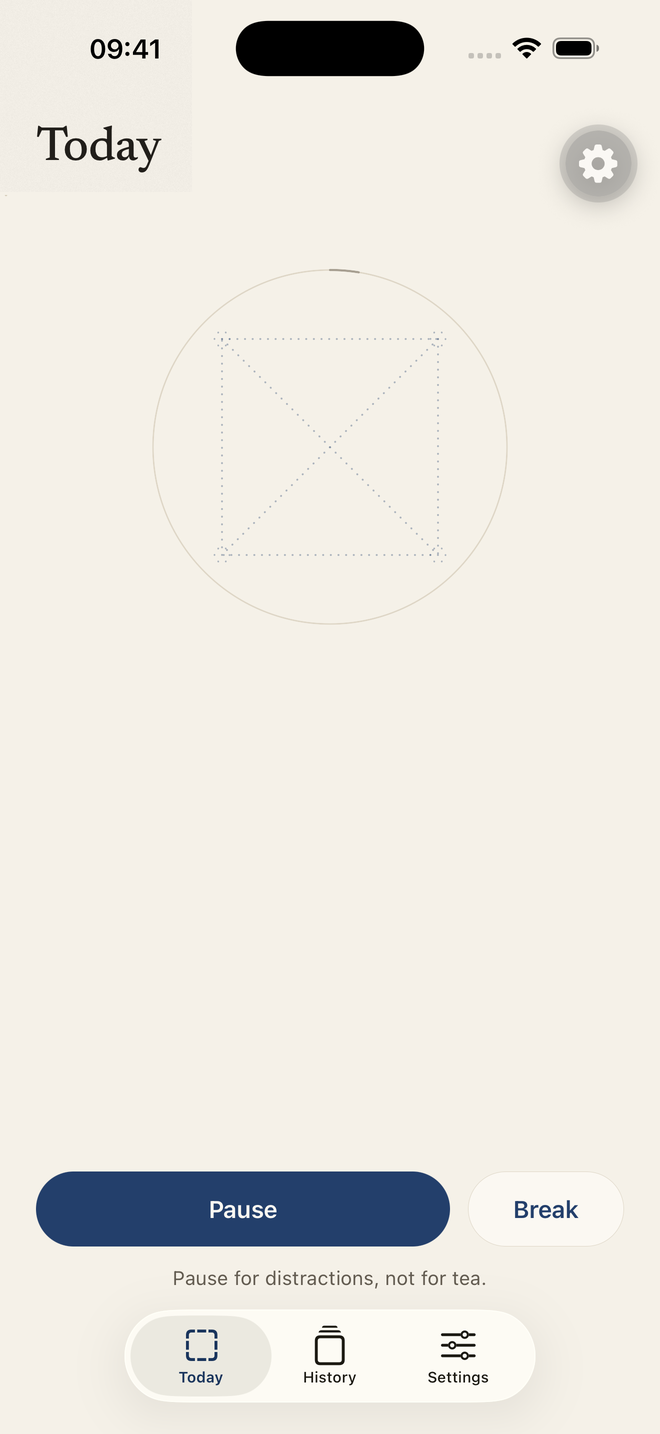
Today. The whole figure is drawn faintly, so you can see what you are building from the first mark.
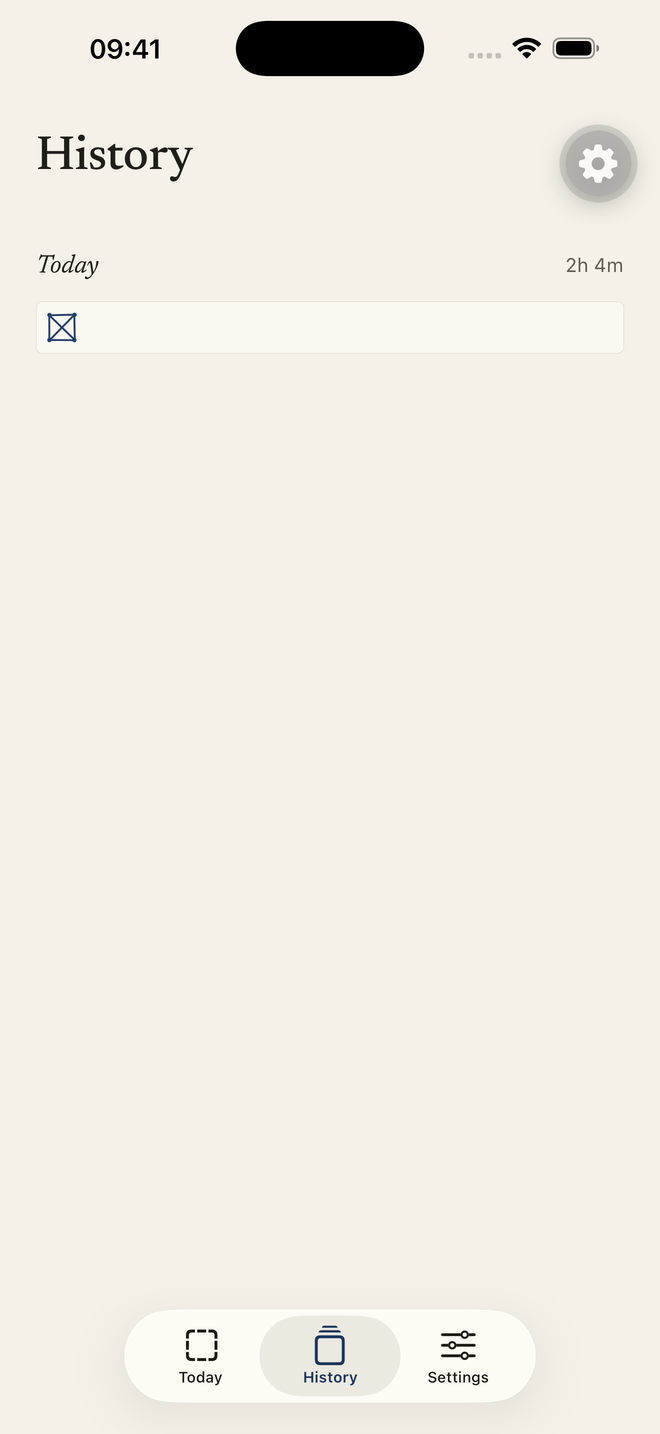
History. Each sheet keeps its figure and how long the work took — no scores, no averages.
What it is not
Worth being clear about, because most apps in this space are the opposite.
- Not a habit tracker. There is nothing to keep up, and no chain to break.
- Not a to‑do list. It never asks what you are working on, and it cannot see your screen.
- Not a coach or a chatbot. It does not advise, encourage, or grade you.
- No account. Nothing to sign up for. Your sheets stay on your phone.
- Not therapy, and not a medical device. It is a stopwatch and a piece of paper.
Questions
Why six minutes?
It is the interval Seth Roberts used. Long enough to get something done, short enough that you notice the time passing. You can set anything from three to fifteen minutes.
Why is it called magic?
Roberts' own word. The marks seem far too small to matter — and yet, reliably, they changed what he did with his days. That is the whole trick.
Do I need an account, or a connection?
No. The app works entirely on your phone, and its reminders are local notifications rather than anything sent from a server.
What does it cost?
The box and the square, the interval, and the last seven days of sheets are free. Pro adds the other four figures, session categories, and keeps every sheet you have ever drawn.
Where did the idea come from?
From magic dots, a self‑experiment described by the psychologist Seth Roberts in his writing on self‑tracking. This app is an independent reproduction of that method; it is not affiliated with him or his estate.
The box is waiting
Coming to the App Store. Leave an address and you will hear the day it lands.
One email, on launch day. No newsletter, no tracking.